Import a file
Import a text list, M3U, M3U8 or PLS file. Choose the field order and separator for text lists.

macOS
TrackFerry
Drop a track list onto TrackFerry. The app finds matching songs and lets you review the results before adding them to a playlist.
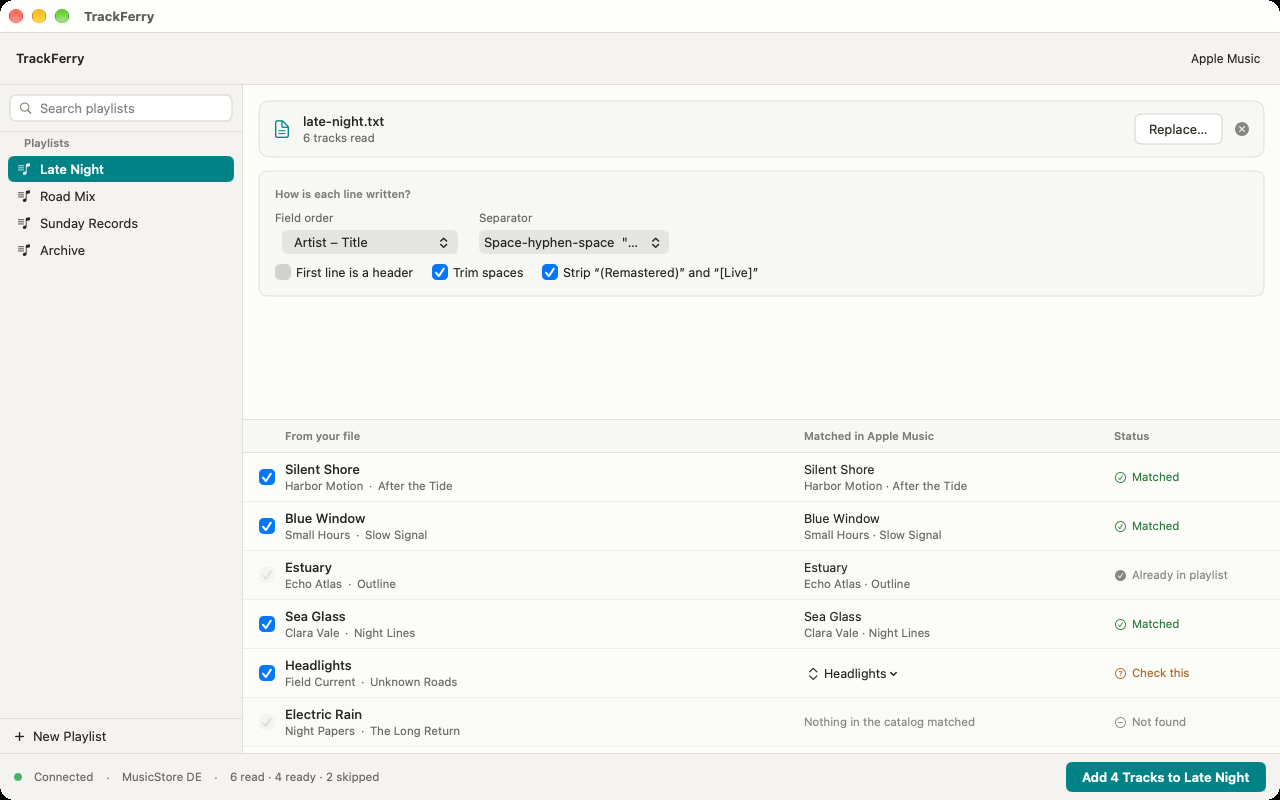
Import a text list, M3U, M3U8 or PLS file. Choose the field order and separator for text lists.
See confident matches, check uncertain results and decide which songs to include.
Add confirmed songs to an editable Apple Music playlist. TrackFerry marks duplicates in the file and songs already in the playlist.