See provider limits
Read the latest cached limits from OpenUsage every 30 seconds. Switch between remaining and used amounts and show reported reset times.

macOS
OpenUsageFloatie
An independent companion for OpenUsage. Keep provider limits in a floating window and optionally show your Mac's CPU, GPU and memory usage.
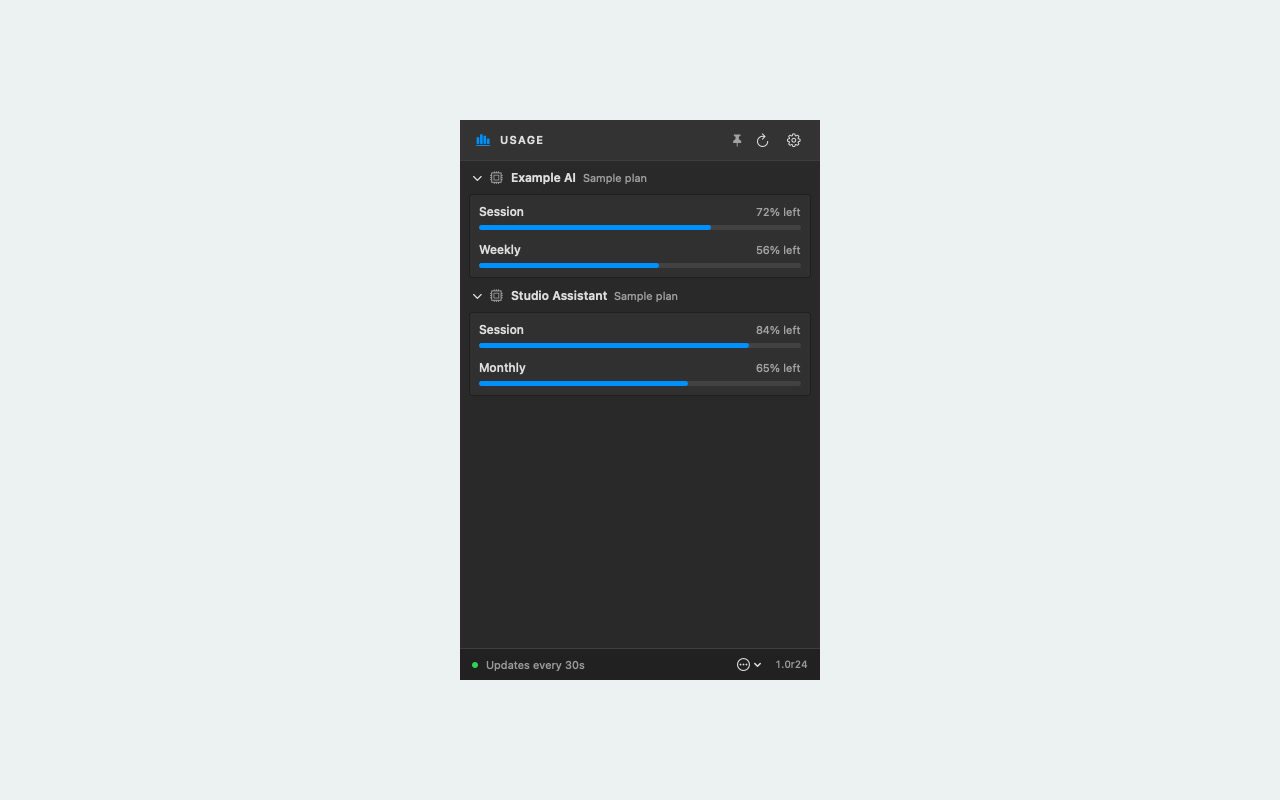
Read the latest cached limits from OpenUsage every 30 seconds. Switch between remaining and used amounts and show reported reset times.
Optionally display CPU, GPU and memory usage. System readings refresh every two seconds. GPU readings depend on driver support.
Resize and position a window that stays above regular apps across desktops. Choose its appearance and opacity, and hide or collapse providers.