Understand service status
Filter LaunchAgents and LaunchDaemons by scope or status. Inspect their commands, schedules, property lists and recent log output.

macOS
LaunchDeck
See which launchd services are running, why a service failed and what starts at login or boot, all in one window.
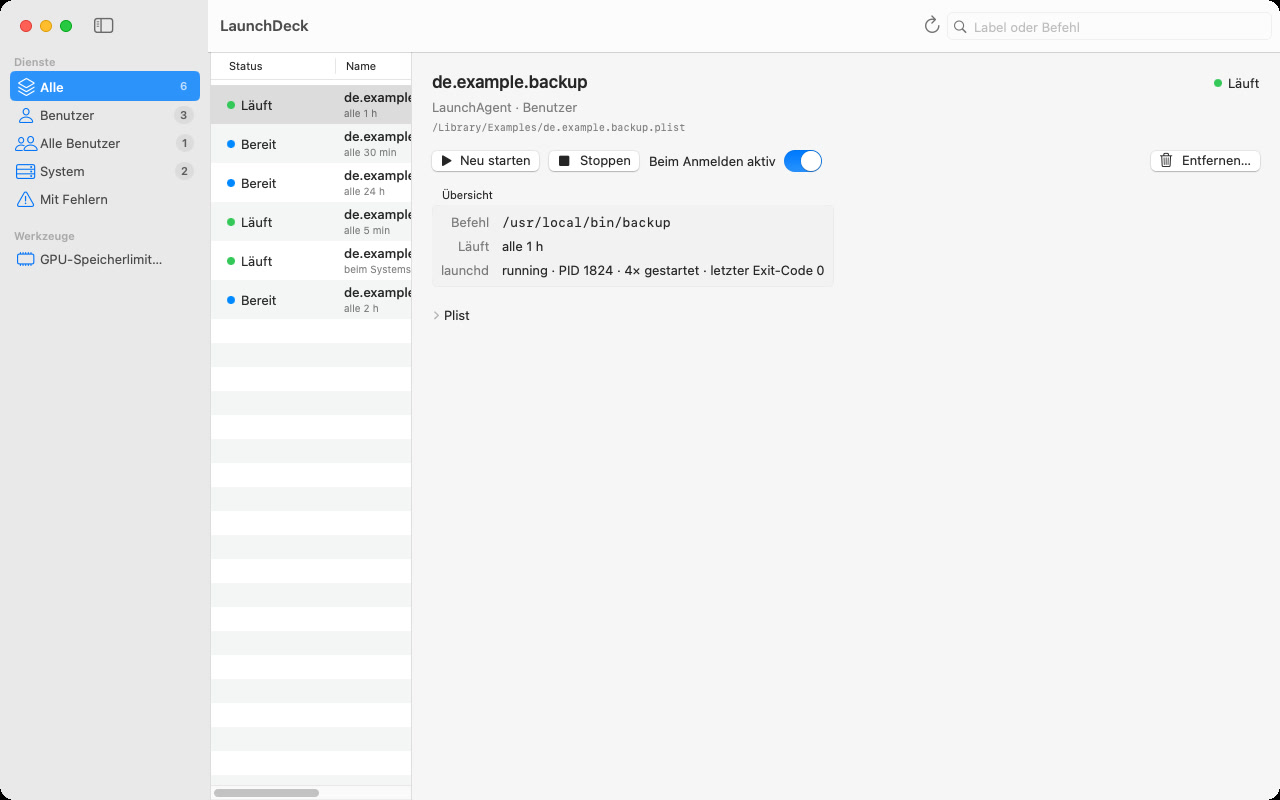
Filter LaunchAgents and LaunchDaemons by scope or status. Inspect their commands, schedules, property lists and recent log output.
Start, restart or stop a service, or enable it for the next login or boot. Changes to system services may require macOS administrator approval.
On compatible Macs, set the GPU memory limit and use a LaunchDaemon to reapply it after a restart.